
配置多git环境
mac
因为需要将giteePasges转到github,再加上工作用的gitlab,需要配置多个git环境
1.打开终端cd ~/.ssh进入ssh配置文件夹
可以看到我现在已经有两个密钥了

2.打开cat config 配置文件,这里有之前配置的gitee跟gitlab环境
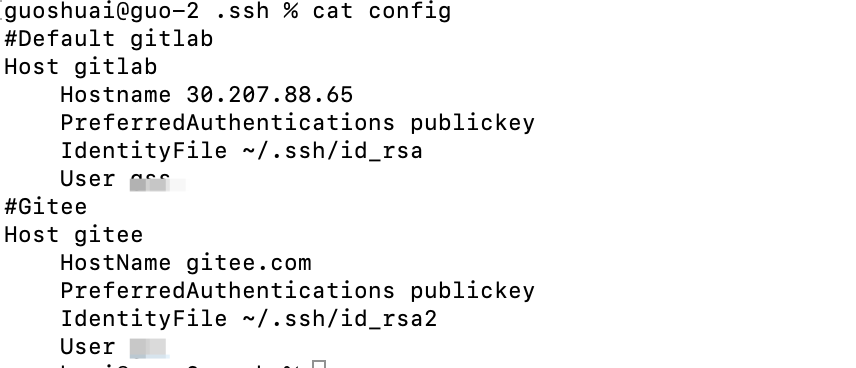
3.生成github配置文件
ssh-keygen -t rsa -f ~/.ssh/id_rsa.github -C "邮箱地址"~~~
再次查看目录就能看到生成的github配置文件

4.配置host
vim config编辑config文件
Host gitlab

  Hostname 30.207.88.65

  PreferredAuthentications publickey

  IdentityFile ~/.ssh/id_rsa

  User xxx

\#Gitee

Host gitee

  HostName gitee.com

  PreferredAuthentications publickey

  IdentityFile ~/.ssh/id_rsa2

  User xx

\#GitHub

Host github.com

  HostName github.com

  IdentityFile ~/.ssh/id_rsa.github

  User x
到这里就好了
5.配置github公钥
其实公钥就在id_rsa.github.pub文件里面 使用cat命令把里面的内容复制出来
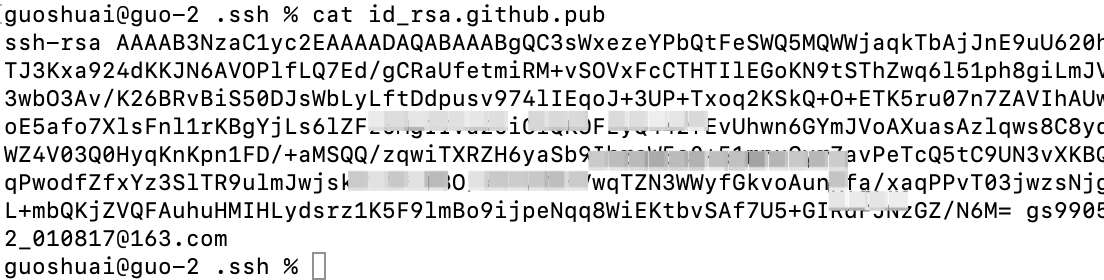
登录github把key粘进去就好了
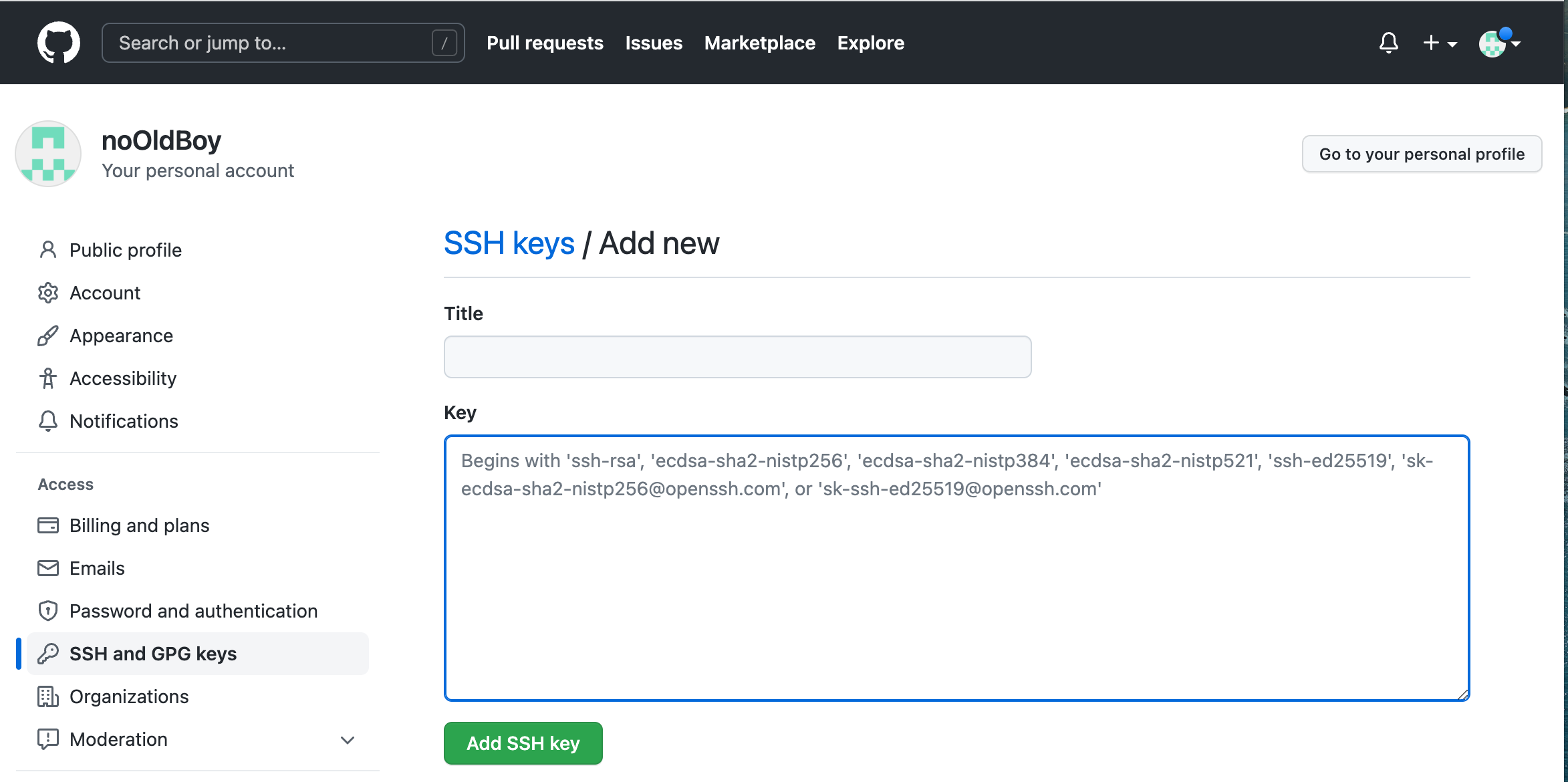
6.ssh -T git@github.com尝试访问一下

看到这个,就算成功了
win
1.打开.SHH文件夹
C:{Users}\Administrator.ssh
2.新建git配置文件
新建config文件!注意没有任何后缀
# gitee
Host gitee.com
HostName gitee.com
PreferredAuthentications publickey
IdentityFile ~/.ssh/gitee_id_rsa

# gitLab
Host github.com
HostName github.com
PreferredAuthentications publickey
IdentityFile ~/.ssh/gitlab_id_rsa

# github_B
Host github.com
HostName github.com
PreferredAuthentications publickey
IdentityFile ~/.ssh/github_id_rsa
Host配置是服务器地址,如果不是公网或者是公司私服的话,你应该配置的是公司的域名
3.指定邮箱跟生成ssh文件,系统会根据配置文件自己去路由
ssh-keygen -t rsa -C “your_email@youremail.com”
ssh-keygen -t rsa -C 'guoshuaishuai@iuctrip.com' -f ~/.ssh/gitlab_id_rsa